Experience Abstraction Full Walkthrough
On this page
Quick Answer
UnconfirmedFull walkthrough order: confirm the official Experience Abstraction place, read the live build status, pick one published condition (isolation, darkness, or near an abstracted player), hold it while you watch the result, then optionally attempt the dated Caine/Cellar branch. The transformed look and Caine steps use a July 11 baseline. Current check:
Needs Recheck. Needs Recheck means re-test before treating old clips as live law.
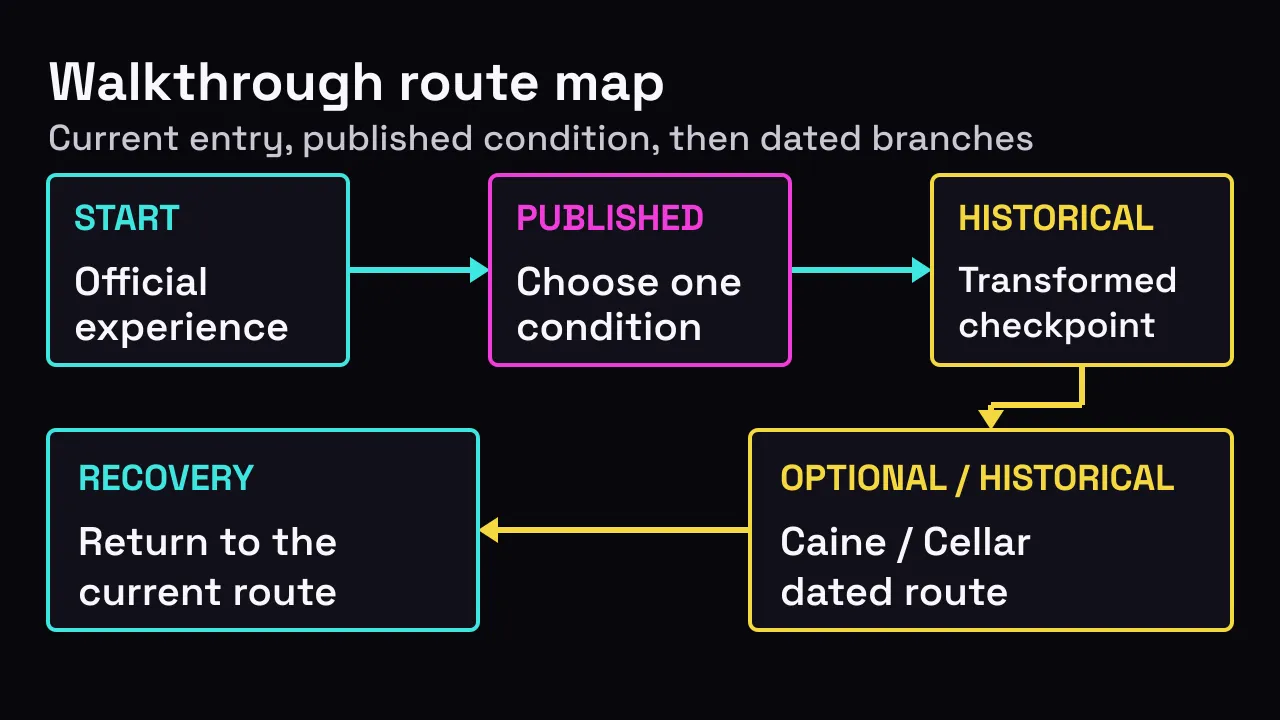
Editorial full-walkthrough route map for orientation only. After updates, re-check doors, Caine, and abstract rules live.
Before You Start
A full walkthrough is not a promise that every secret video works today. It is a clean order of work: right game → one abstract condition → visible result → optional Caine/Cellar if the build still allows it. Public evidence covers identity and the three published conditions. A newer live build has been reported since the July 11 baseline; use the live status above. Current workflow check:
Needs Recheck. Needs Recheck means the three core workflows were not all re-proved on this build. Verified still keeps July 11 as a dated baseline, not an infinite guarantee.
If you are brand new, read the Beginner Guide first. Always skim Updates before copying a clip. Use a server where you can see your own character. Another player’s success, a lag spike, or a still screenshot is not proof your server matches July 11.
- Exact duration: Unknown.
- Reward: Unknown.
- Ending: Unknown.
- Solo support: Unknown.
Those unknowns are boundaries, not missing steps. This route will tell you what to observe and where to continue, without inventing a timer, distance, reward, or ending.
Confirm the Official Experience
Open Experience Abstraction on Roblox
and verify the stable identity before following any gameplay instruction. The title is
Experience Abstraction, the creator is Pawlo's Studio, the root place ID is
131320856116838, and the universe ID is 10352185757. These identifiers distinguish
the official destination from similarly named experiences; they do not establish that
an older workflow still works in the live build.
The official icon is an identity cue. Match it together with the title, creator, and URL rather than relying on the artwork alone.
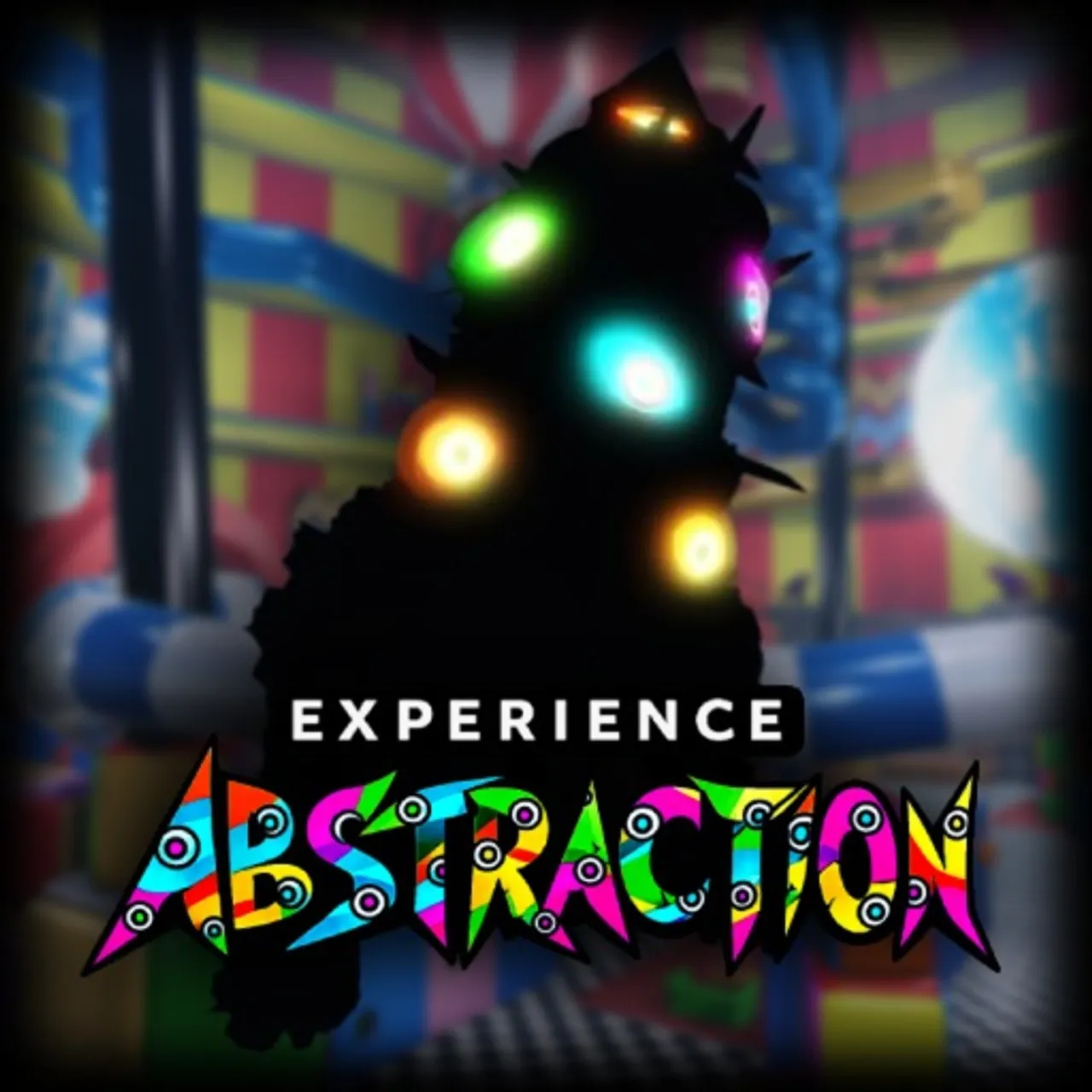
Decision checkpoint: Continue only when the Roblox page matches all four identity fields. If any field differs, return to the official link instead of applying this walkthrough elsewhere.
The circus scene can help you recognize the experience's published visual setting, but it is not an overhead map, a spawn marker, or evidence of a required route.
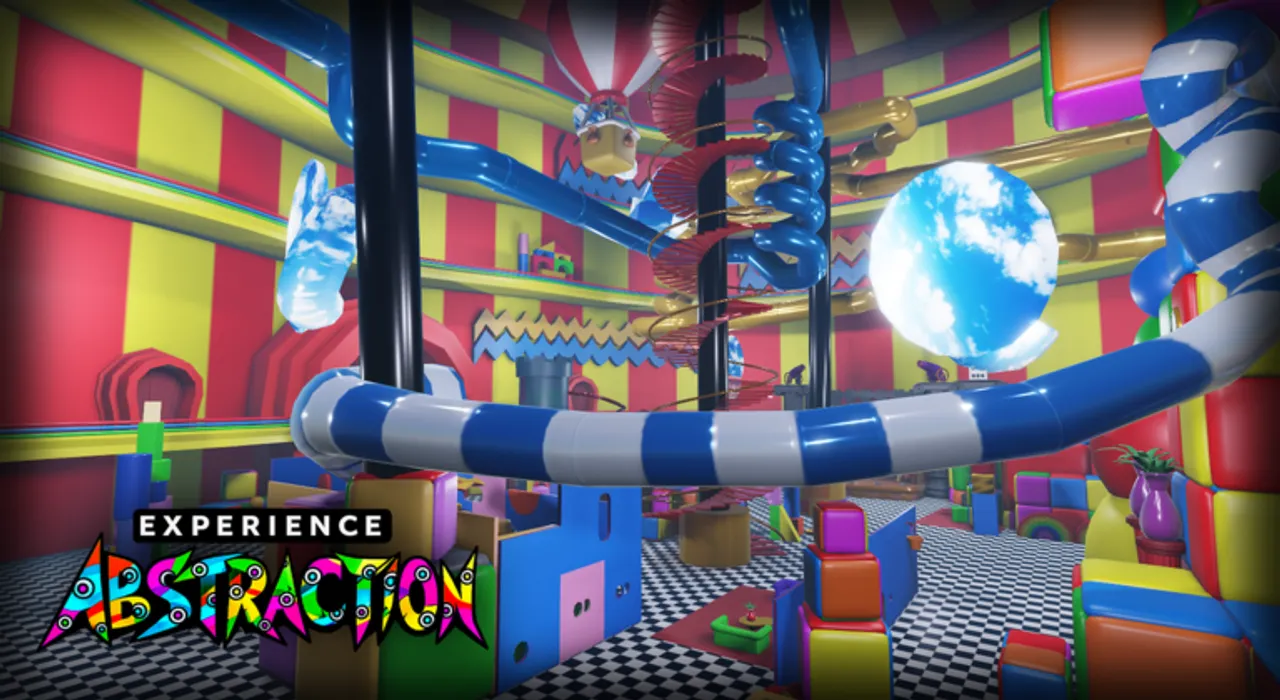
Decision checkpoint: Once the identity matches, use what your current server actually shows. Do not search for a precise coordinate merely because a scene appears in official media.
Choose a Published Condition
Roblox publishes three abstraction conditions. Pick one condition that you can keep clear enough to diagnose; switching among them makes a failed attempt harder to interpret. The How to Abstract guide owns the detailed condition-specific route and should be your next reference while attempting it.
Isolation: move away from other players and watch whether another player interrupts that state. No exact separation or duration is published.
Darkness: choose an area that is visibly dark and remain in that condition. Do not convert “a very long time” into a made-up countdown.
Near an abstracted player: begin only when the partner already shows the abstracted form, then keep the relationship observable. No exact distance is published.
The July 11 observed sequence connects one published condition to a visible transformed state. It is historical route evidence, not proof of a current trigger threshold.
The route map summarizes the decision: confirm the destination, select one condition, check the visible state, and branch to recovery or the optional historical step.
Decision checkpoint: Name your chosen condition before continuing. If you cannot tell whether it is still true, reset the observation instead of combining routes.
The official dark-room image illustrates a visibly dark choice, but it does not prove that this exact room, position, or lighting level is required.
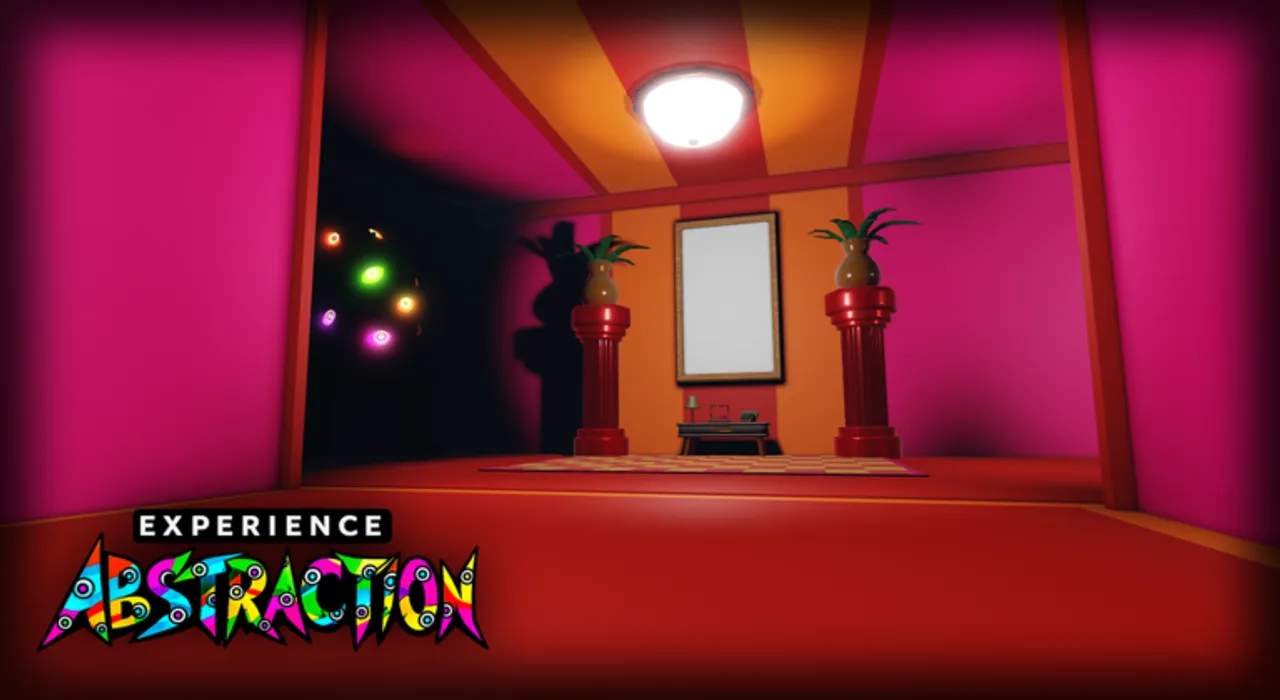
Recovery checkpoint: If the scene in your server differs, judge darkness by the visible condition and current-build status. A different room alone does not prove success or failure.
Check the Result
The July 11 observation records a dark transformed player form covered in multicolored eyes as the visible completion signal. Treat that description as Historical. The live workflow indicator is
Needs Recheck; keep the dated signal separate from any current-build claim.
Check the character state, not an assumed timer. If the dark multicolored-eye form appears, record which condition remained true and which server build you observed. If it does not appear, you have a symptom to diagnose—not proof that another hidden action, reward, or ending exists.
Stop this phase at the visible state check. Do not keep waiting for an unpublished second milestone. When the result differs from the July 11 signal, proceed to recovery before repeating the same attempt.
Community follow-up: Reported / Needs Recheck. Players describe an abstracted character chasing or attacking. If it appears, create separation, capture the character and build, and note the preceding condition. If it does not appear or stops, end the check; do not add a hidden input or redefine the historical success signal.
Optional Historical Caine and Cellar Step
This is an optional dated branch, not the main abstraction route. July 11 visual evidence shows a two-player sequence after one player was already abstracted. The branch remains Historical and its live workflow indicator is
Needs Recheck; current availability, reward, and ending are not established by the dated evidence. Use the specialist Caine and Cellar guide for the complete evidence notes and failure checks.
Prerequisite: the observed sequence starts with one participant already showing the abstracted form.
Roles: one participant is abstracted and one nearby participant remains normal in the dated observation.
Demonstrated action: the nearby normal participant types Caine in Roblox chat. No substitute input is supported here.
Order: prepare the roles, perform the demonstrated chat action, then watch for the Cellar transition instead of adding another guessed action.
Historical signal: the July 11 evidence records a transition into the Cellar sequence. It does not establish a current outcome beyond that signal.
The marked-door image is orientation media. It does not identify a verified Cellar entrance, prove the branch is working now, or support a new ending claim.
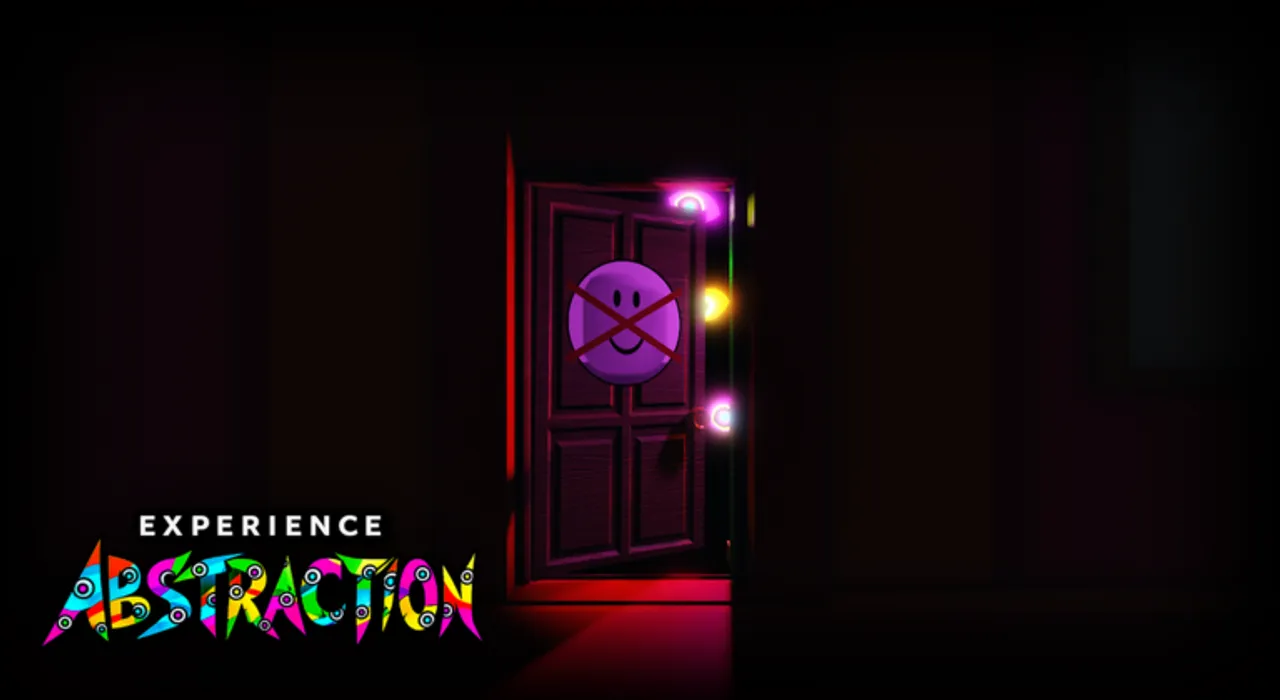
Recovery checkpoint: If roles, chat access, or the observed transition differ, stop the branch and mark the result Needs Recheck. Do not add inputs to force the historical sequence.
For Reported / Needs Recheck community branches, watch for a Caine counter or summon cue, Blue-Eyed Caine, an Exit Door, or leaving the Cellar. Record roles, chat, build, and whether the Cellar transition occurred. If a stage is absent, stop; these sightings do not prove a new entrance, ending, or required order.
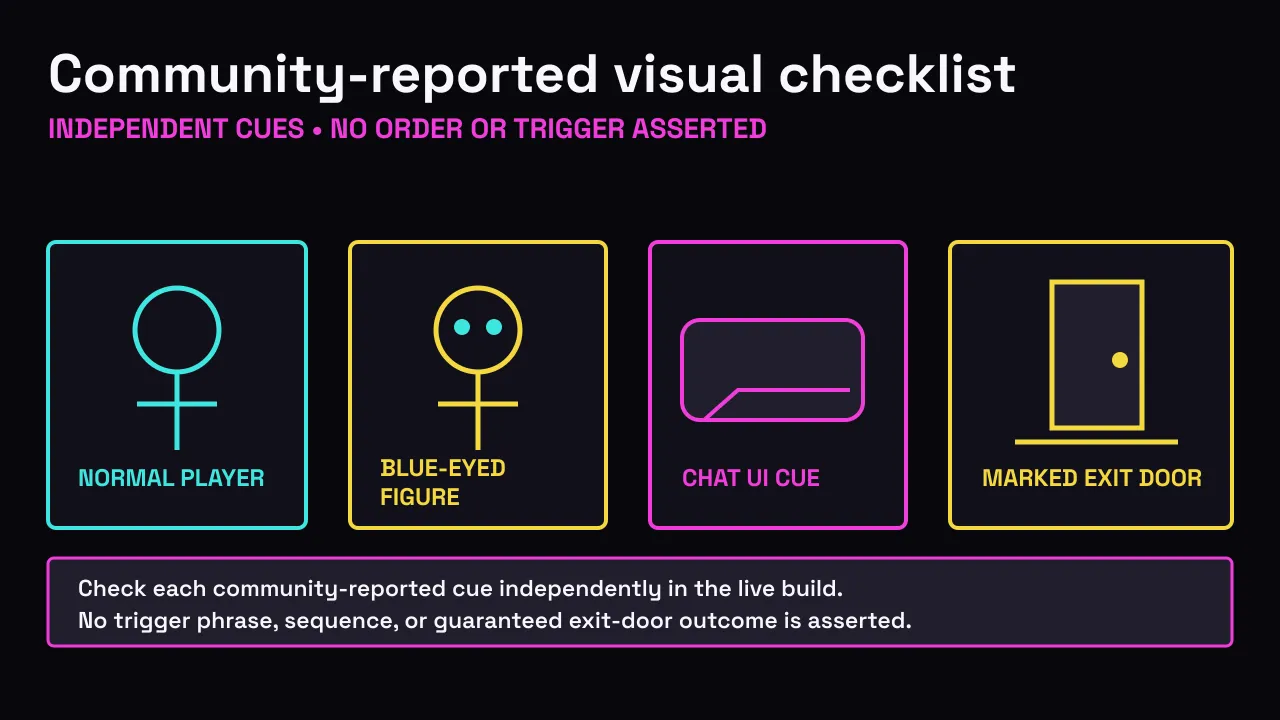
Decision checkpoint: match only the cue you can actually see. If it is missing, return to the recorded Caine/Cellar stages instead of guessing another command.
Recover or Recheck
Use the same order for every failure: symptom, build, condition, then specialist guide.
- Name the symptom. Record whether nothing changed, the visible form differed, Caine did not appear, chat was unavailable, or the Cellar transition did not start.
- Check the build. Compare the live status above with Updates. A newer or unavailable observation keeps historical workflows in Needs Recheck.
- Recheck the condition. For abstraction, verify that isolation, darkness, or proximity remained true. For the optional branch, recheck the two dated roles and demonstrated order.
- Use the specialist path. Return to How to Abstract for condition steps, or open Troubleshooting for symptom-led checks. Use Sanity and Stay Normal when your goal is to avoid the published risk conditions.
A retry is another observation, not a promised fix. If a different server behaves differently, record the difference and keep unsupported causes Unknown.
FAQ
Why does this walkthrough keep saying Needs Recheck?
Because the live Roblox place updates, and we refuse to pretend every old step still works. Needs Recheck is a honesty label: re-run the route or open specialist guides with fresh eyes.
Is the full walkthrough the same as how to abstract?
No. How to abstract focuses on the three conditions and success look. The full walkthrough chains identity checks, abstract, optional Caine/Cellar, and recovery order. Use How to Abstract if that is your only goal.
Can I skip Caine?
Yes. Caine/Cellar is optional historical content. Finish abstract first unless your only goal is that branch.
How long does the complete route take?
Exact duration is Unknown. The public description supplies conditions, not a precise trigger time, and the current build has not passed a complete reproduction.
Does the walkthrough give a reward?
Reward is Unknown. Neither the published conditions nor the dated route evidence supports promising an item, currency, badge, or other payout.
Does abstraction or the Cellar produce an ending?
Ending is Unknown. The evidence supports a visible transformed state and a dated Cellar transition only; it does not support naming or promising an ending.
Can one player complete every step alone?
Solo support is Unknown for the complete route. The July 11 Caine/Cellar observation explicitly used two roles, while the present build has not cleared a live test for an alternative.
Which abstraction condition is fastest?
The fastest condition is Unknown. Choose the condition you can observe cleanly, not one promoted with an unsupported countdown or success rate.
Is the Caine and Cellar branch verified for the live build?
The live workflow indicator above is
Needs Recheck. Keep the July 11 branch Historical either way, and use its specialist guide as a dated procedure rather than proof of current availability, reward, or ending.
Sources and Verification
The official Roblox experience page and Games API establish the identity fields and the three published conditions. July 11 videos support the dated transformed-state signal and the observed two-role Caine/Cellar order. They do not establish the live build's duration, reward, ending, solo support, or hidden thresholds.
Verification note for July 15, 2026: live API observations had not converged on one newer update timestamp, and a Roblox client was unavailable for end-to-end testing. That is why this page points to the live status above rather than freezing one newer timestamp into the instructions. Review Updates before retrying a historical workflow; the source panel below preserves the dated evidence trail.
Sources and Verification
- Experience Abstraction on Roblox
Official Roblox description for the three published conditions.
Checked
Official - How to Abstract in EXPERIENCE ABSTRACTION
July 11 abstraction route observation; current freshness is shown above.
Checked
Verified - How to get CAINE and go to the CELLAR
Historical July 11 Caine and Cellar step; not a current-build guarantee.
Checked
Verified - Current-build long gameplay
July 11 long-gameplay cross-check; a newer live build has been reported and still needs recheck.
Checked
Verified
Independent fan guide. Sources establish evidence, not affiliation or endorsement.