Experience Abstraction Troubleshooting
On this page
- Quick Checks
- Nothing happens when I try to abstract
- Sanity does not appear to change
- Caine does not appear
- Caine appears but the Cellar sequence does not start
- The demonstrated Caine input cannot be entered
- Public server behavior differs from the guide
- The server may be on an older build
- Recovery Order
- What to Record
- FAQ
- Sources and Verification
Evidence and Freshness
- Historical claim evidence
- VerifiedJuly 11 observed build
- Current workflow freshness
- Needs RecheckLive build:
Quick Answer
Unconfirmed
Quick Checks
Pick the closest symptom below. Freshness labels tell you if evidence is dated—they do not change the in-game rules by themselves. If two symptoms fit, start with the one that matches what you can still see (missing Caine vs no chat vs no transform).
Decision checkpoint: State its prerequisite and visible result, then choose one symptom; otherwise return to its guide.
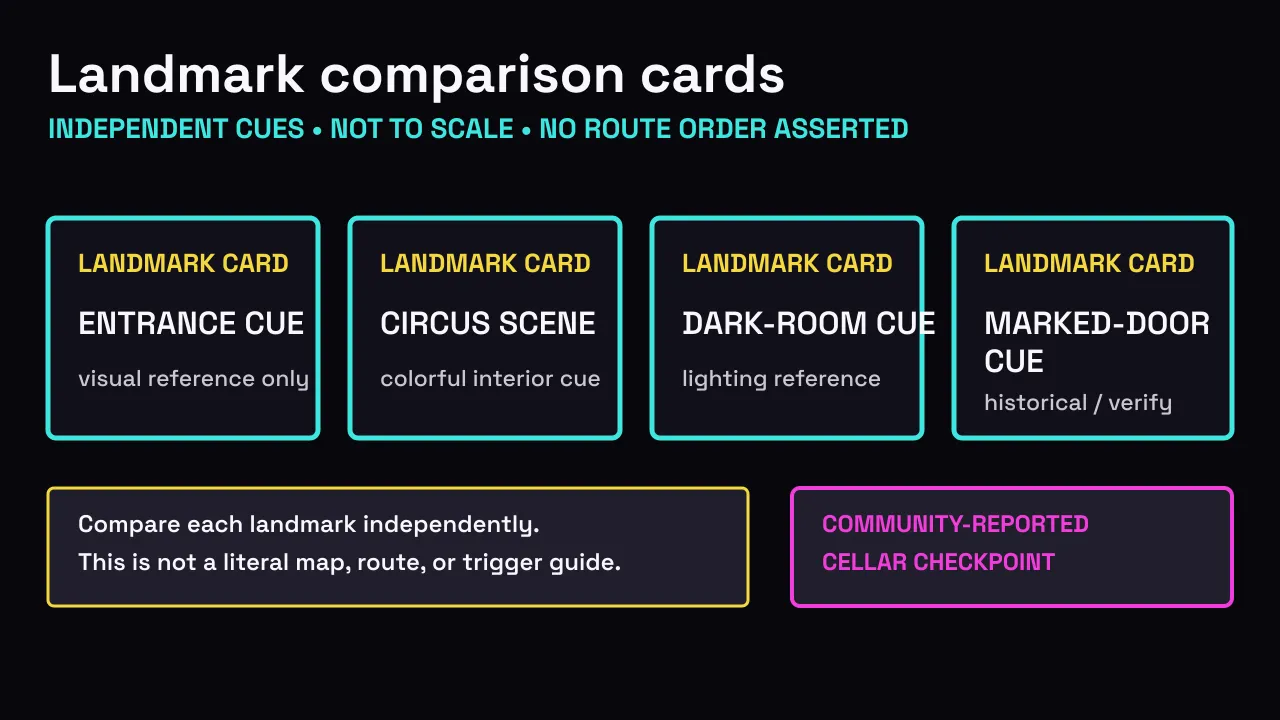
Landmark checkpoint: compare one large shape and one lighting cue, then open the matching symptom or map section. Do not continue from a guessed room name.
Player-reported problems worth checking
Reported · Needs Recheck
The bed has no Sleep prompt
Player videos and comments report a low-Sanity bed or sleeping cutscene. Check the visible Sanity state, approach the bed once, and record whether a Sleep prompt or cutscene appears. If nothing appears, stop there: no exact percentage or wait time is verified.
Check the reported bed branchReported · Needs Recheck
Blue-Eyed Caine or the Exit Door is missing
Treat Blue-Eyed Caine and the Exit Door as reported branches, not required Cellar steps. Record the Caine appearance, chat text, room or door cue, and the live build before comparing another server.
Separate Caine and Cellar outcomesReported · Needs Recheck
Aquarium, backstage, tower, or pillars do not match
These are player labels, not verified map nodes. Compare large shapes and lighting, save one screenshot, and note where you came from. Do not turn a nickname into a route or coordinate.
Compare map landmarksNothing happens when I try to abstract
Prerequisite check
- Identify one Roblox-published risk condition before judging whether the attempt failed.
Nothing happens when I try to abstract
Check first
- Confirm that isolation, darkness, or proximity to an Abstracted player is actually present.
- Compare the attempt with the dated route record and its visible success state.
- If behavior differs, continue with the public-server and old-build checks below.
Likely causes
- None of the three official abstraction conditions may be active.Unconfirmed
- The observed attempt may not match the July 11 route sequence.Unconfirmed
Unknowns
- The game does not publish an exact activation time for these conditions.
- This evidence does not establish a guaranteed retry or rejoin fix.
Interpret the result
- No published condition means the quiet result does not show a broken trigger.
- A condition without the dated success signal is a mismatch to record.
Sanity does not appear to change
Prerequisite check
- Observe the same player while changing only one published risk condition at a time.
Sanity does not appear to change
Check first
- Identify which official risk condition is present before interpreting the Sanity state.
- Reverse that condition: regroup, move into light, or move away from the Abstracted player.
- Compare the visible state again without assuming an exact rate.
Likely causes
- An official abstraction risk condition may not currently be active.Unconfirmed
- The visible Sanity behavior may not match July 11 gameplay evidence.Unconfirmed
Unknowns
- Exact depletion, threshold, and recovery rates remain unpublished.
- No cure item or recovery key is verified.
Interpret the result
- A change after reversing one condition identifies the immediate risk to manage.
- No change leaves rate and recovery Unknown; it proves no timer or cure.
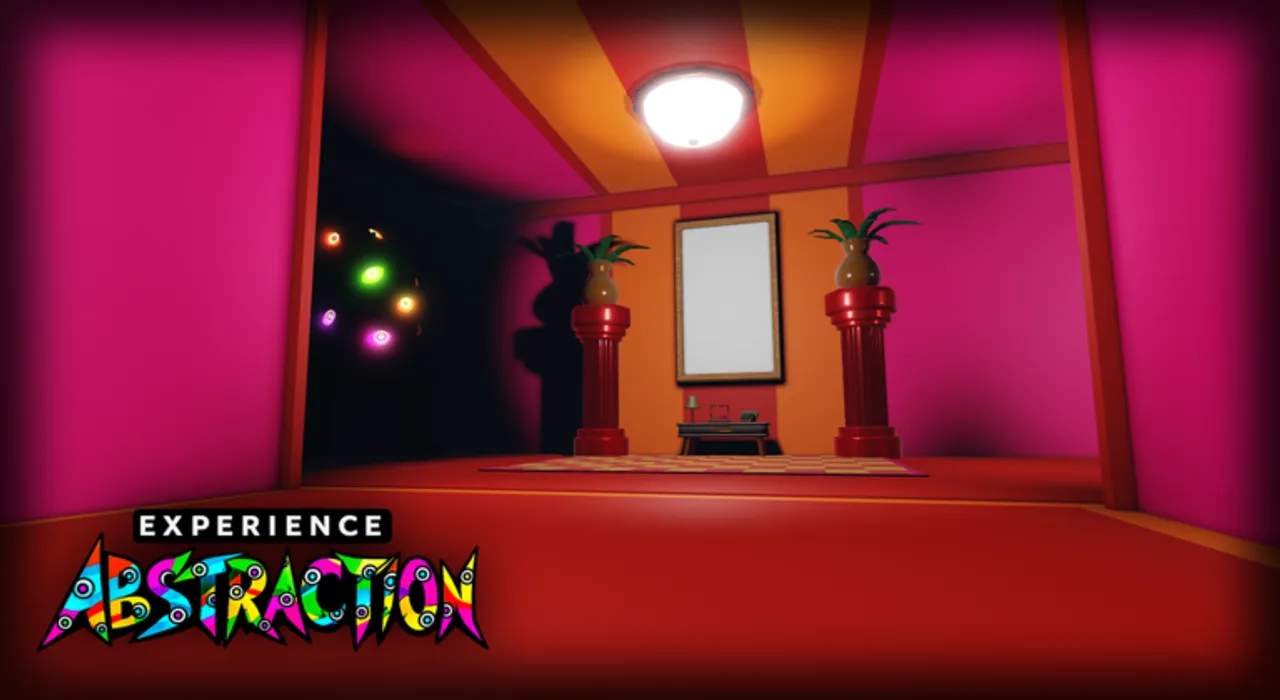
Visual checkpoint: Compare the same player's visible state before and after leaving darkness; record no change instead of estimating a rate.
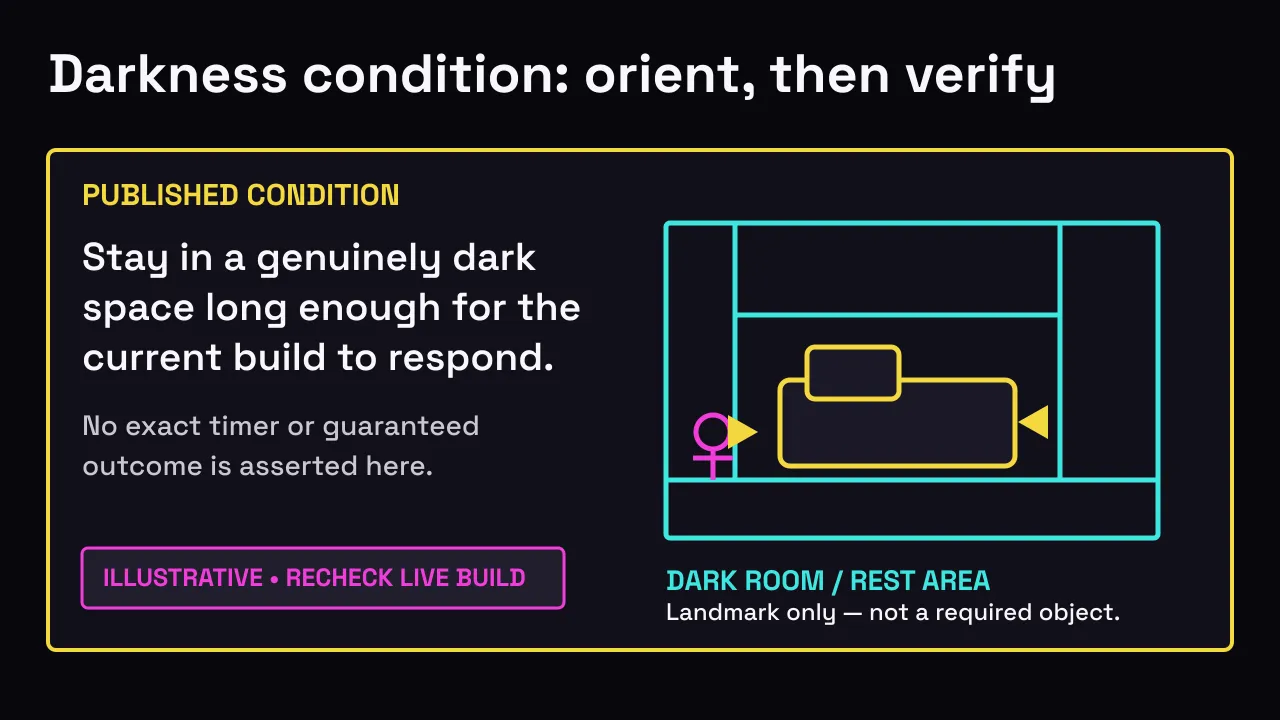
Bed-branch checkpoint: record the visible Sanity state and whether a Sleep prompt appears. If no prompt appears, return to the three published risk conditions instead of waiting for a guessed percentage.
Caine does not appear
Prerequisite check
- Confirm two distinct players are present, one is already Abstracted, and the nearby player remains normal.
Caine does not appear
Check first
- Confirm one player is already Abstracted and the other remains normal.
- Keep the normal player nearby and confirm that the demonstrated chat input can be entered.
- Do not add an action that is absent from the July 11 visual sources.
Likely causes
- The two July 11 observed roles or the Abstracted prerequisite may not be in place.Unconfirmed
- The nearby normal player may not have completed the demonstrated Caine chat action.Unconfirmed
- Account chat restrictions are reported to prevent the demonstrated input.Reported
Unknowns
- No no-chat alternative is verified by the available evidence.
- The evidence does not establish a spawn probability or wait time.
Interpret the result
- A missing role or chat input means the dated prerequisite was not reproduced.
- If roles and input match but Caine is absent, record a dated mismatch.
Caine appears but the Cellar sequence does not start
Prerequisite check
- Start this diagnosis only after Caine appears from the same two-player role setup.
Caine appears but the Cellar sequence does not start
Check first
- Reconfirm which player was Abstracted before the normal player's Caine action.
- Compare the complete observed order with the July 11 two-source sequence.
- Use the transition into the Cellar sequence as the success signal.
Likely causes
- The role preparation and Caine action may not match the July 11 observed order.Unconfirmed
- The observed outcome may not match the July 11 Cellar transition signal.Unconfirmed
Unknowns
- No extra required coordinate or follow-up input is verified.
- Rejoining is not established as a guaranteed fix.
Interpret the result
- Caine appearing confirms the earlier state, not a guaranteed Cellar transition.
- Without the dated transition, keep the result unresolved and add no action.
Public server behavior differs from the guide
Prerequisite check
- Compare the same symptom, published condition, role setup, and visible success signal before blaming the server.
Public server behavior differs from the guide
Check first
- Compare the exact condition, player roles, action order, and success signal with the responsible guide.
- If the sequence differs, treat it as Needs Recheck instead of inventing a server-specific mechanic.
- Use a different server only as a comparison check, not as a promised fix.
Likely causes
- The observed behavior may not match the July 11 independently observed sequence.Unconfirmed
Unknowns
- The available sources do not publish server rollout details.
- No success probability for changing servers is verified.
Interpret the result
- A different condition or order is not a server-specific rule.
- A like-for-like mismatch is Needs Recheck while the update record is reviewed.
The server may be on an older build
Prerequisite check
- Record the site's live build status and the visible scene or result before comparing versions.
The server may be on an older build
Check first
- Compare the current game's Updated timestamp with this site's verification state.
- Check whether the observed success signal matches the current guide before retrying.
- If the live update is newer, wait for re-verification rather than treating old steps as current.
Likely causes
- The observed task order may differ from visual sources checked against the July 11 game update.Unconfirmed
Unknowns
- Roblox does not expose an exact per-server build timestamp in the evidence used here.
- Rejoining does not guarantee a newer server or a successful trigger.
Interpret the result
- A newer or unavailable status makes July 11 steps historical pending reproduction.
- A matching timestamp cannot identify a server build; record stable visual cues.
Visual checkpoint: Compare the scene cue and the site's build status, then record the mismatch without assigning a hidden build number.
Recovery Order
Change one variable at a time; a server change is not a proven fix.
- 1
Name one visible symptom
Choose the closest symptom and keep condition, roles, and result separate.
- 2
Recheck the prerequisite
Confirm the prerequisite before repeating an action or changing servers.
- 3
Compare the visible result
Use the guide's success signal; silence, scene change, and transformation differ.
- 4
Check evidence freshness
If the live build is stale, unavailable, or newer, dated steps need rechecking.
- 5
Follow one responsible handoff
Open the linked guide, then record any unresolved mismatch.
What to Record
Record the symptom, condition, roles, chat, and visible result. Add UTC time and live-build state. For scene mismatches, note a stable landmark, not a guessed coordinate. Exclude account IDs and private chat.
FAQ
Why is Caine not appearing?
Use the Caine checks for role, chat, build, and result.
Why is the Cellar sequence not starting?
Use the Cellar checks after Caine; no extra input is verified.
How long should I wait for a trigger?
Unknown. No exact activation timer is published. Confirm the prerequisite and visible result instead of inventing a countdown.
Will rejoining fix an older server?
No guarantee; another server is only a comparison.
Does unchanged Sanity mean the player is safe?
Not by itself. Reverse one published risk condition and compare the same player's visible state. Exact rates and thresholds remain Unknown.
I followed a YouTube clip and it still fails—what now?
Clips lag behind patches. Check Updates for Needs Recheck, re-read the matching guide for the dated success signal, then run the symptom section that matches what you actually see—not the video title.
Can chat restrictions block Caine?
Yes—if chat is unavailable, the dated Caine summon path cannot run. Open the chat unavailable checks before blaming the Cellar.
Why does it show on mobile but not play?
Unknown. Group posts report the listing appearing on mobile even when play fails. Check the live Roblox page.
Sources and Verification
- Experience Abstraction on Roblox
Official experience identity and published risk-condition context.
Checked
Official - Current-build long gameplay
Historical July 11 evidence for comparing visible conditions and results; freshness follows the live build status above.
Checked
Unconfirmed - Public player reports on the Caine walkthrough
Player reports identify chat restrictions as a possible blocker; they do not establish a universal game rule.
Checked
Reported - Experience Abstraction - [Full Walkthrough] | Roblox
July 19 public walkthrough used to identify what players are trying to trigger; it is not official confirmation.
Checked
Unconfirmed - Community visual report: Blue Eyes Caine route
Current public comments and walkthrough reports are used as symptom leads only; each route remains Needs Recheck.
Checked
Reported - Community visual report: hidden and secret events
Current public comments and walkthrough reports are used as symptom leads only; each route remains Needs Recheck.
Checked
Reported
Independent fan guide. Sources establish evidence, not affiliation or endorsement.